
We’re redesigning your event’s registration page, built from participant and event director feedback. We recently covered navigation and the Event Overview. This time, we’re picking up where someone’s ready to register: Choose your options, Purchase merchandise, and a new Selections summary.
Structure that scales with your event
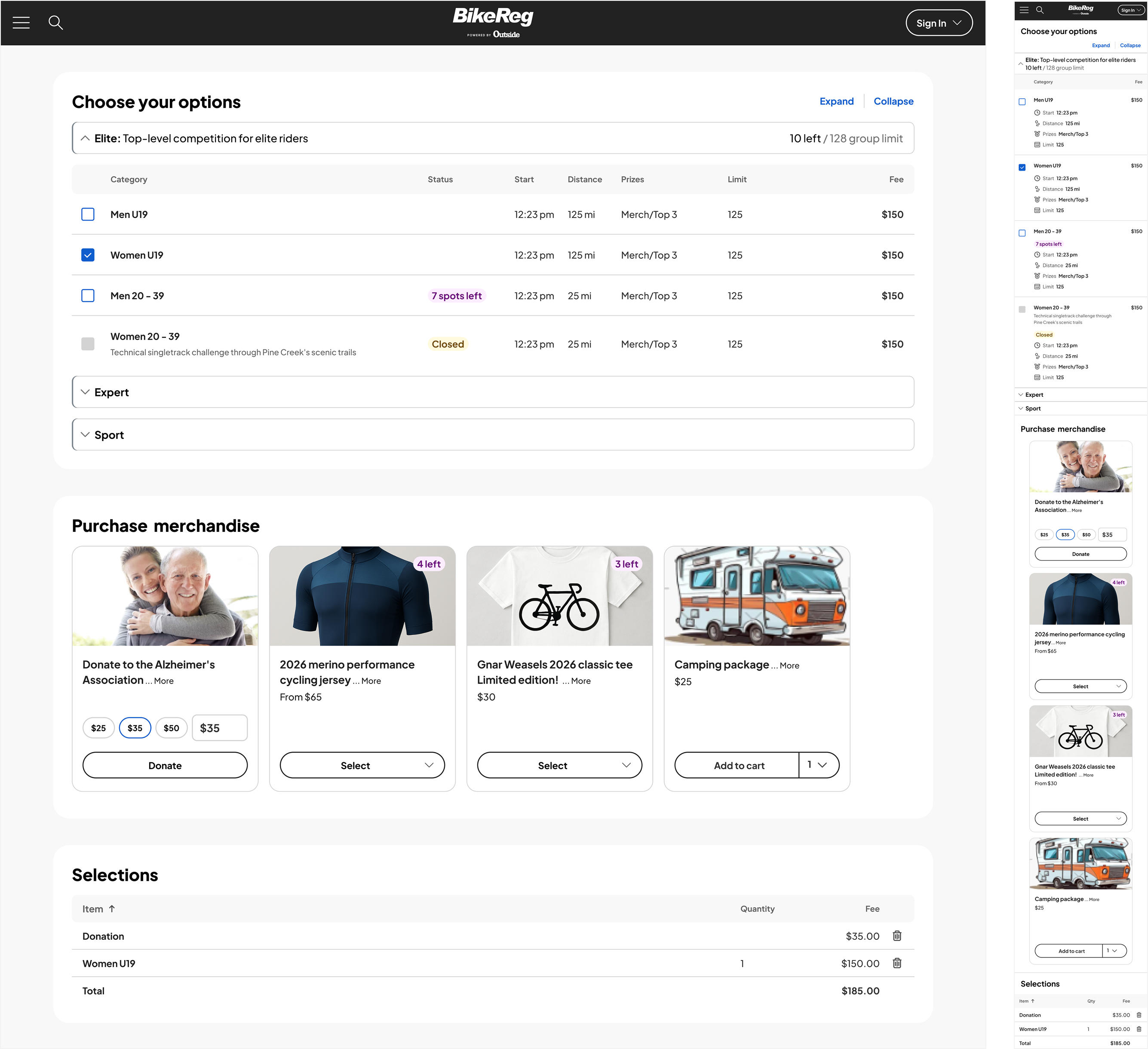
Whether you have three categories or thirty, the redesigned options table adapts. Participants can expand and collapse the table and category rows to keep things manageable. Category headers now include a dedicated title and description too, so context is clear before anyone starts scrolling through options. Status badges make availability clear at a glance: sold out, closed, spots remaining.
A merchandise experience built to convert
The old merchandise flow took several clicks just to add an item to cart. The new one is a responsive card grid with a streamlined selection flow, built for both desktop and mobile. On your end, setup got easier too: improved image cropping tools and support for two product images per item, so your merch looks as good as the event itself.
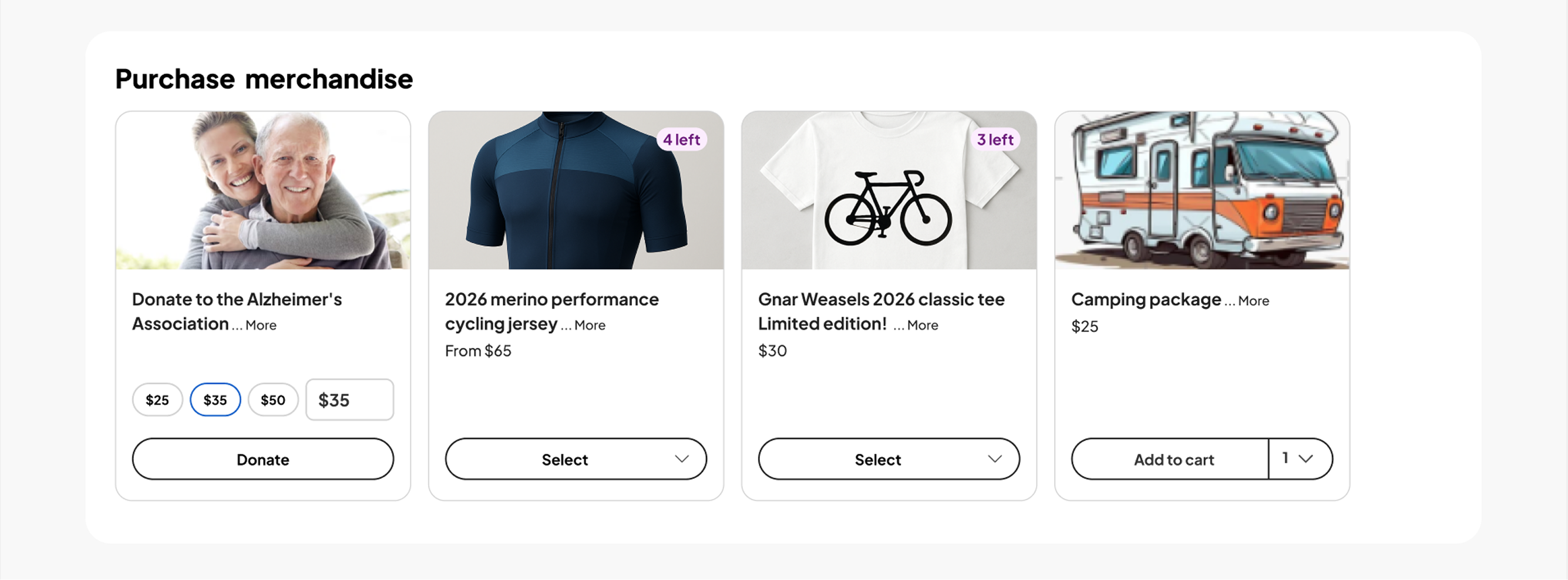
Donations get their own boost. Donation cards now support suggested amounts: set three price points, with the middle one pre-filled as the suggested donation. Donors can always edit it, but pre-filling helps them decide faster and often increases how much they give overall. Preview cards let you see exactly how it’ll look before it goes live.
One clear view before checkout
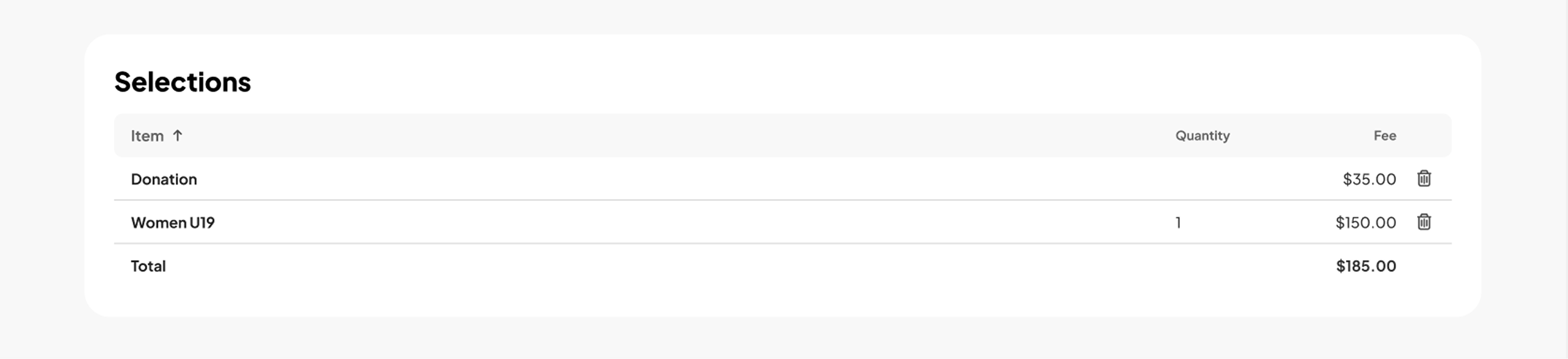
A new Selections summary shows participants exactly what they’ve chosen, and what it costs, before they move to checkout. No surprises, no second-guessing, just a clean confirmation of what’s in their cart.
What this means for your event
A smoother checkout means fewer abandoned carts. And if your event sells merchandise or accepts donations, the new tools are built to help you earn more from every registration.
Get ready for the new registration page by prepping a few things now: up to two photos for each merchandise item, clear item descriptions and pricing. That way, everything’s in place to update the moment it’s live, and your merch shop is ready to help participants find what they want from day one.
New to athleteReg? Request more information about setting up your event registration page.