
We’re redesigning your event’s registration page, built from participant and event director feedback. So far we’ve covered navigation and the Event Overview, and also Choose your options, Purchase merchandise, and a new Selections summary. This post covers some of our favorite updates yet.
Your event page should do more than process a registration. It should build excitement, answer logistics, and show off your event. This set of updates covers Maps, Event details, Sponsors, Highlights (a new way to showcase photos and video), Results, and More from this director, the parts of the page that turn a registration form into a preview of event day.
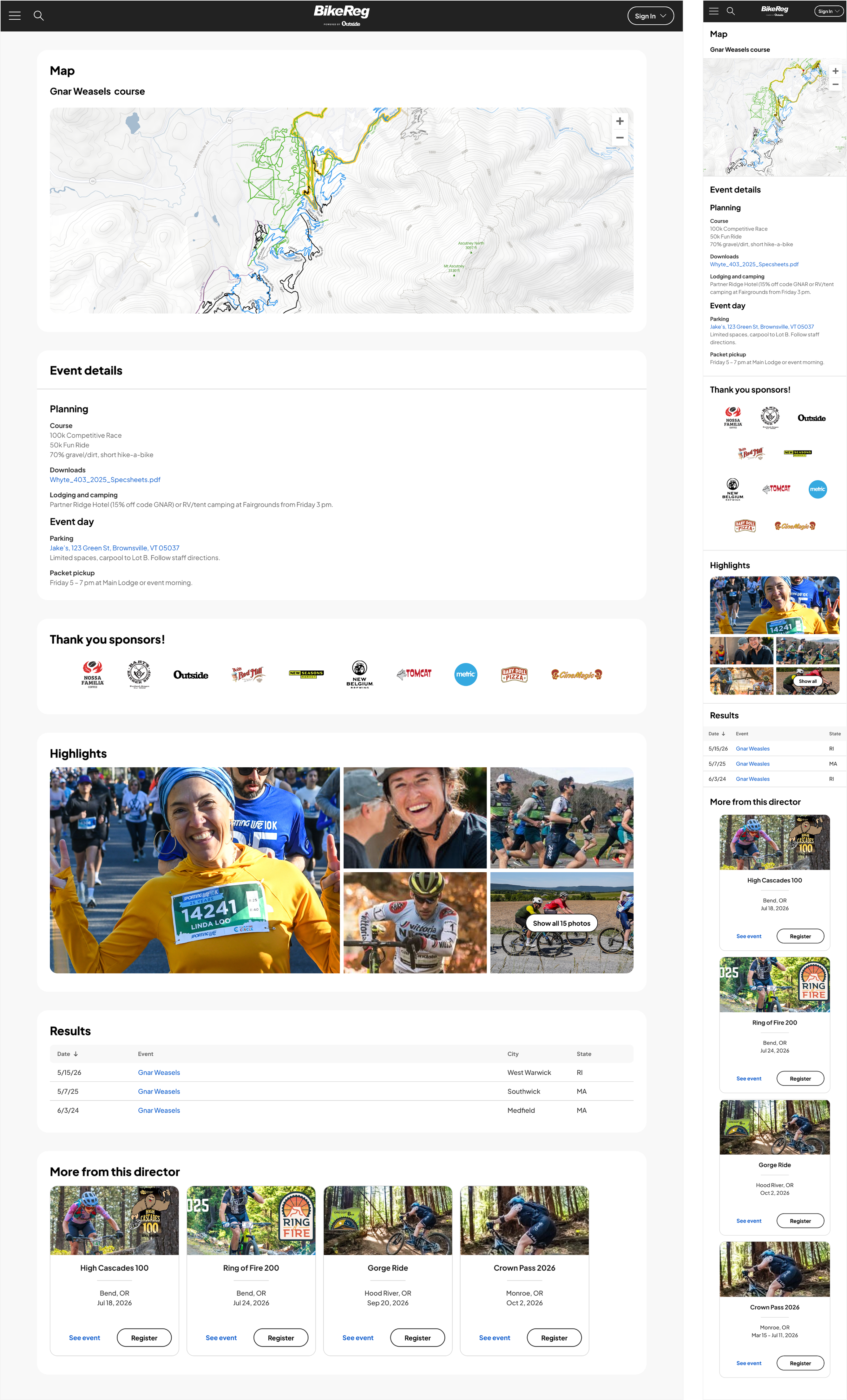
A clear view of the course
Maps no longer live buried in a notes field. There’s now a dedicated Maps section that supports multiple sources, including MapMy, Trailforks, and your own image map, with guidance built in to help you pick the right map type for your event. You can add multiple map types, including routes, detailed event maps, and elevation maps. On your end, uploading is easier too: drag-to-reorder thumbnails and a live preview in your dashboard before anything goes public.
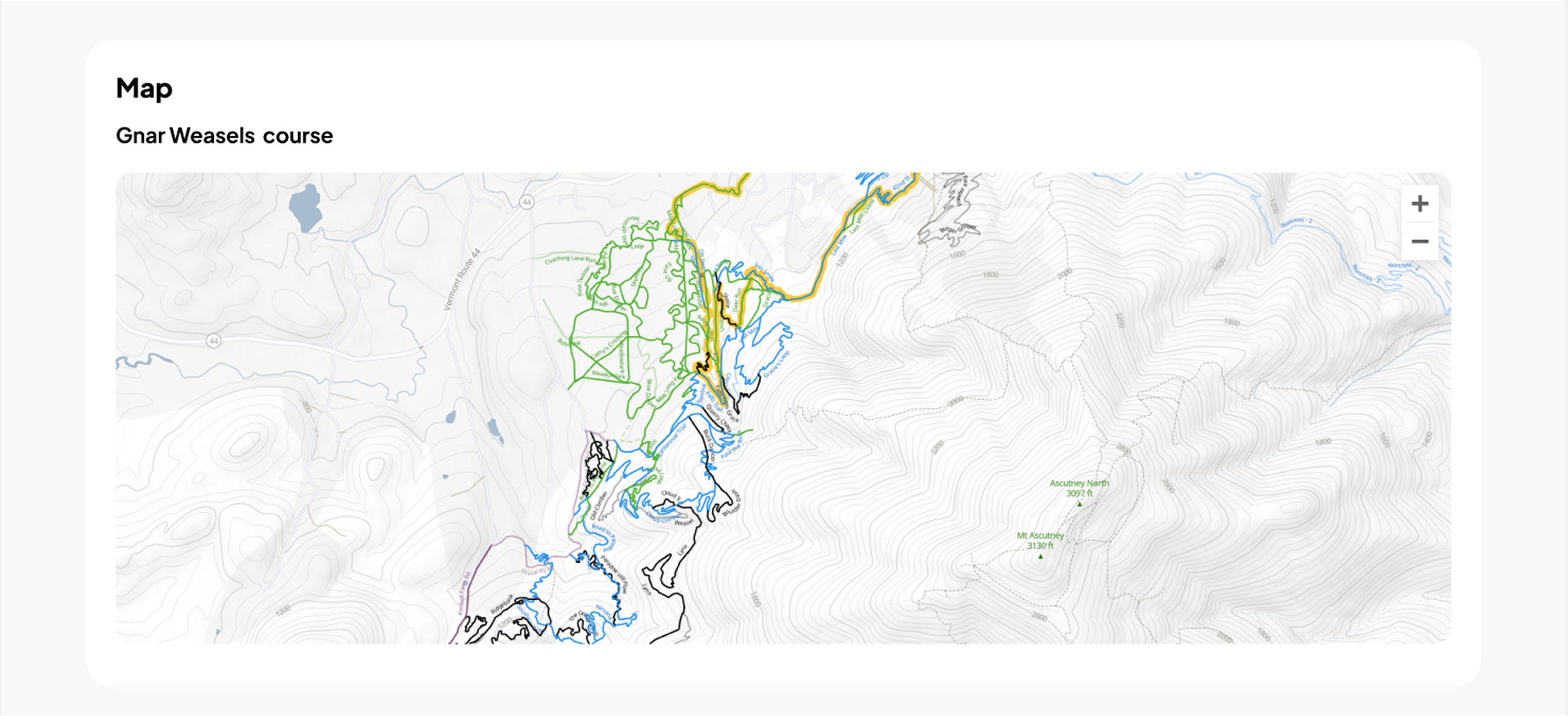
Not sure which mapping tool fits your event? MapMy works well for road running, walking and biking with an interactive Route Builder for marking start/finish lines, aid stations, and more. Trailforks is built for trail running, walking, and riding (gravel, enduro, downhill, mountain biking), using curated trail data and a flexible route planner with GPX upload and turn-by-turn directions.
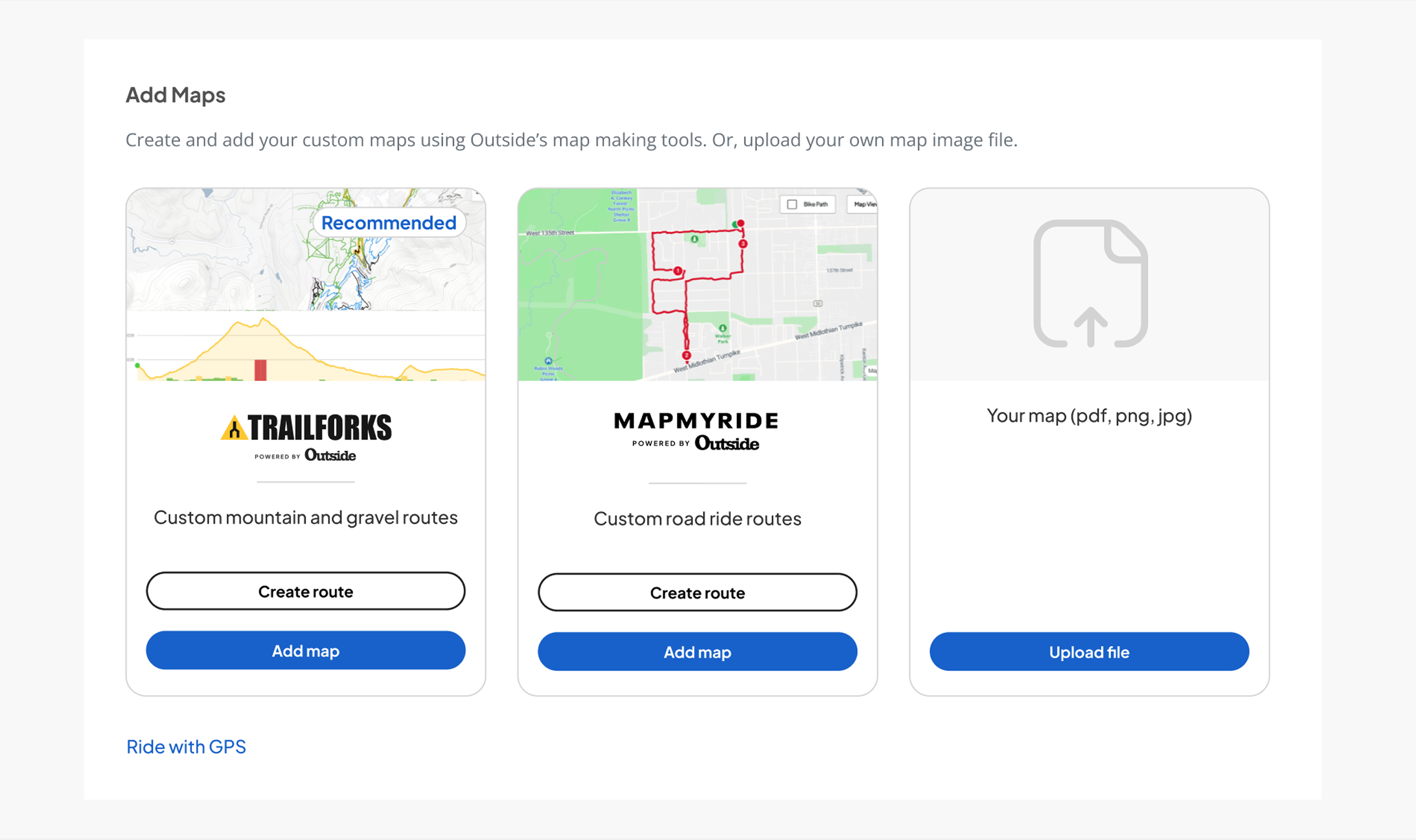
Logistics, organized and easy to find
Coming soon, shortly after launch
The old Event Notes section forces everything, parking, lodging, packet pickup, into one long block of text. We’re renaming it Event Details and organizing it into Planning and Event Day sections, mirroring the structure you already use in your email templates.
On your end, a pre-loaded template and content blocks will make it easy to organize your event details clearly from the start, so participants can find exactly what they need without digging through unrelated information.
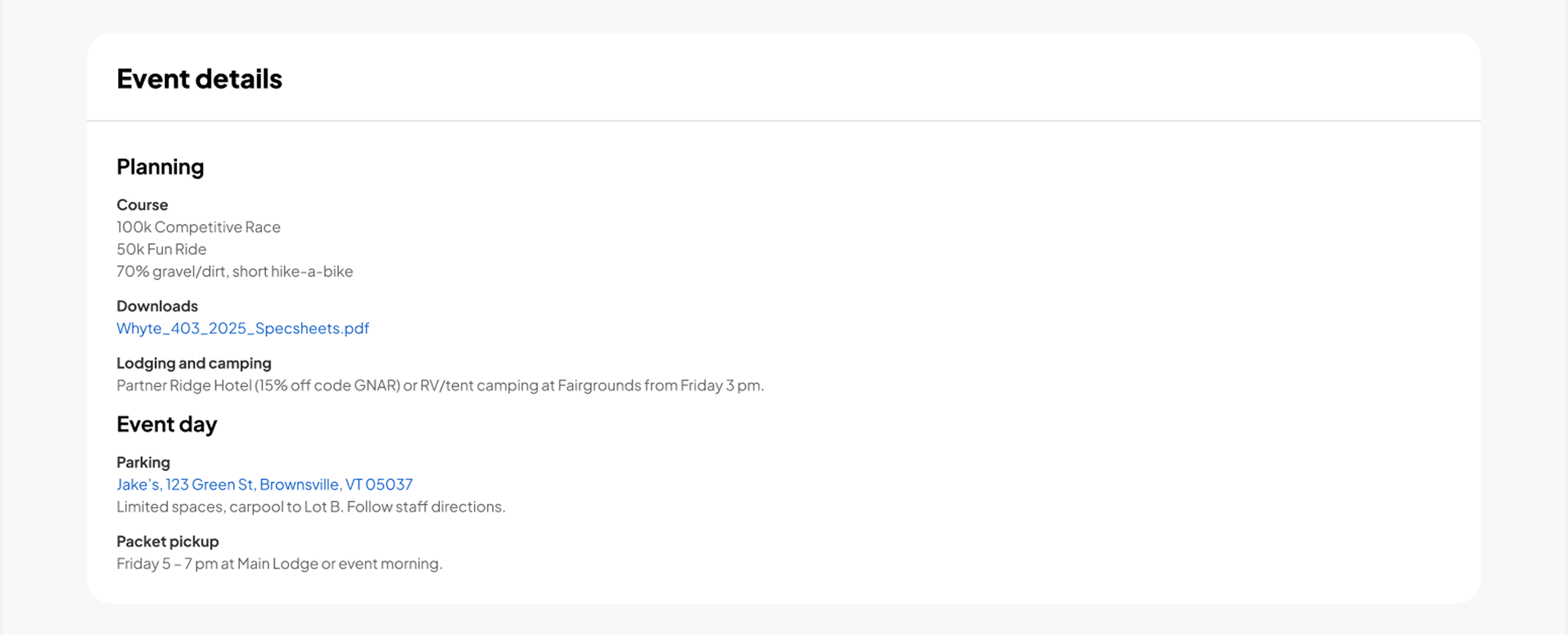
A dedicated home for your sponsors
Coming soon, shortly after launch
Sponsor logos used to get squeezed into whatever space was left over, often buried in the notes section. Now there’s a dedicated area with two tiers: Featured and Standard, so your top sponsors get the visibility they deserve. Logos can include links or text, and you control the order and naming yourself.
Photos and video that bring your event to life
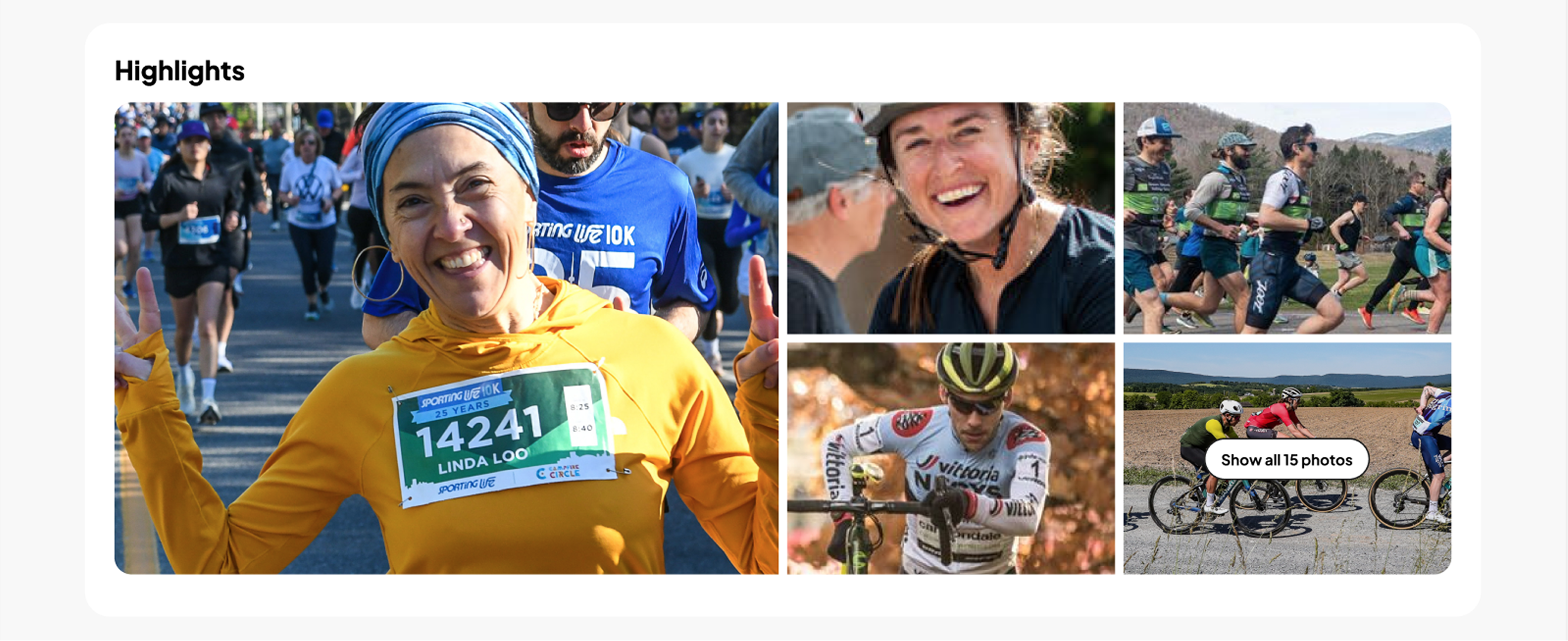
This was one of the most requested changes from participants: more photos, more video, more of a feel for what an event is actually like before they sign up. The new Highlights section supports a gallery of up to 15 photos, with five shown inline and the rest just a click away.
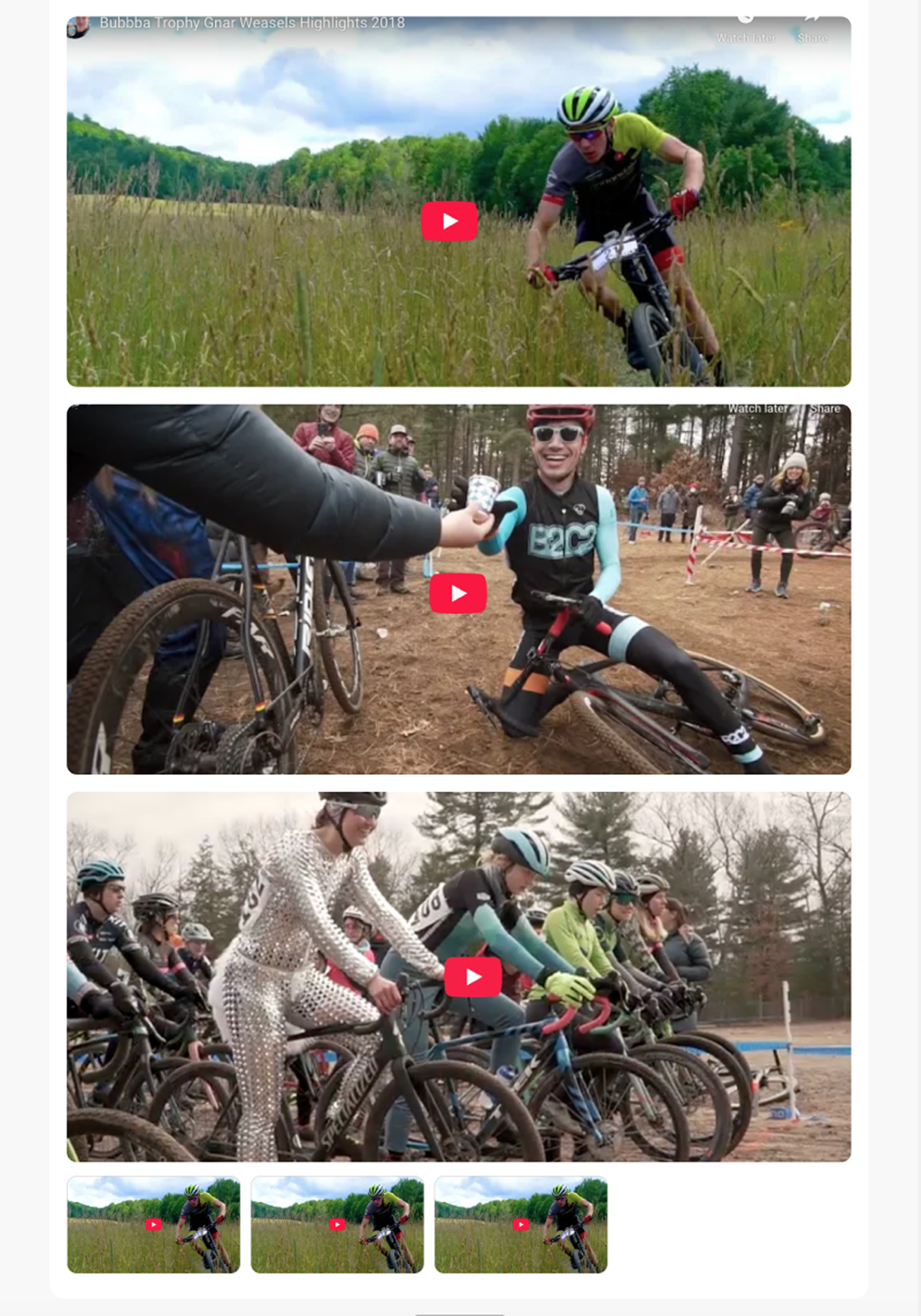
Video gets its own spotlight too. Add as many of your best event clips as you’d like, three will show full-width, and the rest appear as thumbnails. It’s a real chance to show off the atmosphere, the course, the finish line, whatever tells your event’s story best.
Your event history, at a glance
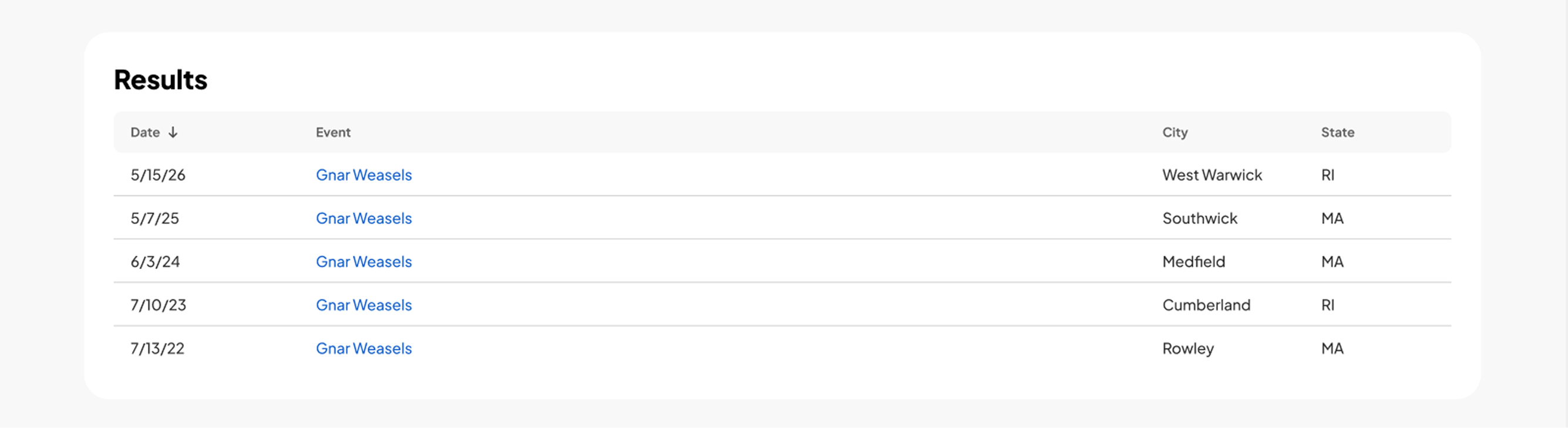
A new sortable Results table shows your event’s history at a glance: date, event name, location and a link to the results page. For events with a track record, that history builds trust before someone even gets to the registration table.
More ways for participants to find your other events
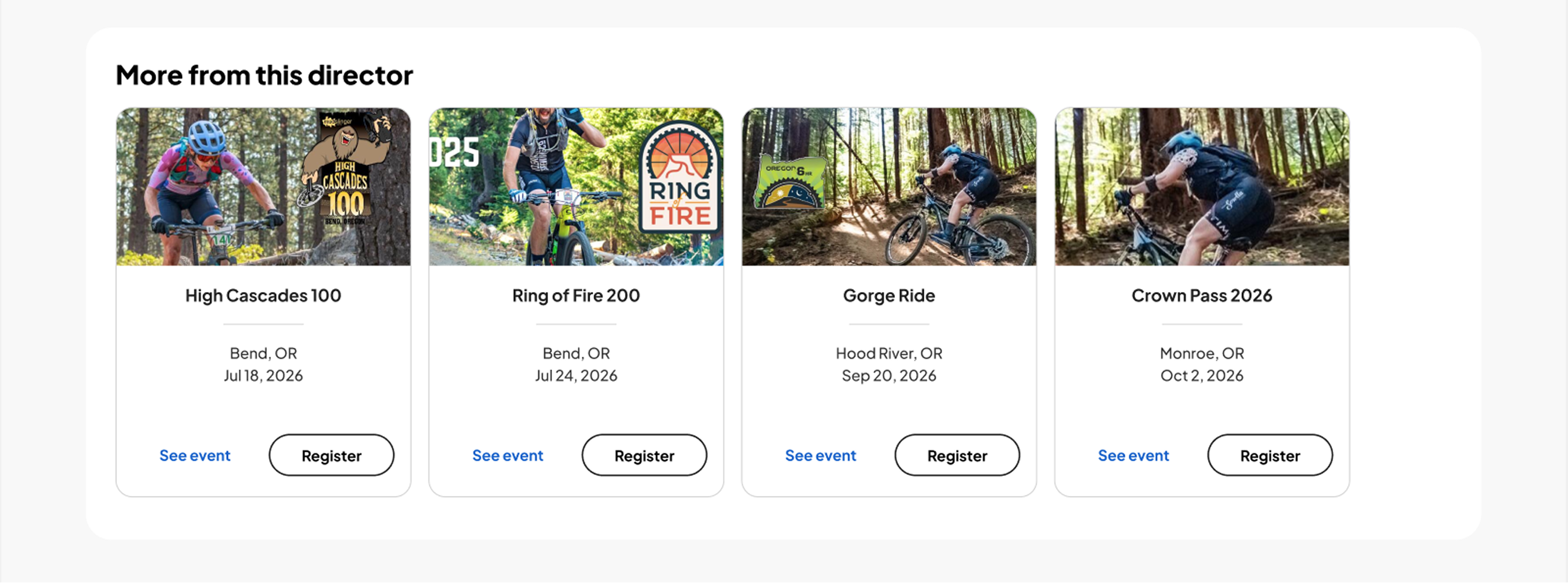
Participants who like one of your events are often good candidates for your others. The “More from this director” section, where your other events show up on the page, now displays four event cards instead of three, giving participants more to explore, with an updated call to action to make it easy to act.
What this means for your event
A page that does more than process a registration. It shows participants what they’re actually registering for, and gives you more ways to highlight sponsors, build trust, and get people into your other events.
Get ready for the new registration page by prepping a few things now:
- Course maps, routes, and event logistics maps, built with MapMy or Trailforks, or your own upload
- Event details for planning and event day logistics
- Sponsor logos
- Up to 15 of your best photos, each with a short description (125 characters max) for SEO and accessibility
- YouTube videos that best showcase your event
That way, everything’s in place to update the moment it’s live, and your page is ready to show off your event from day one.
New to athleteReg? Request more information about setting up your event registration page.